Invoicing
Send email invoices for your e-commerce billing
To make your life simpler, we’ve automated and streamlined the invoicing process directly within Snipcart. Using our simple template, you can create and send detailed and customized order confirmations to your customers. Here’s why your e-commerce billing operations will go smoothly.

What is Snipcart?
Powerful, easy to install shopping cart platform.
Snipcart is a powerful, developer-first HTML/JavaScript shopping cart platform. You can use it to add custom e-commerce to any sites or web applications in minutes.


Send detailed invoices automatically
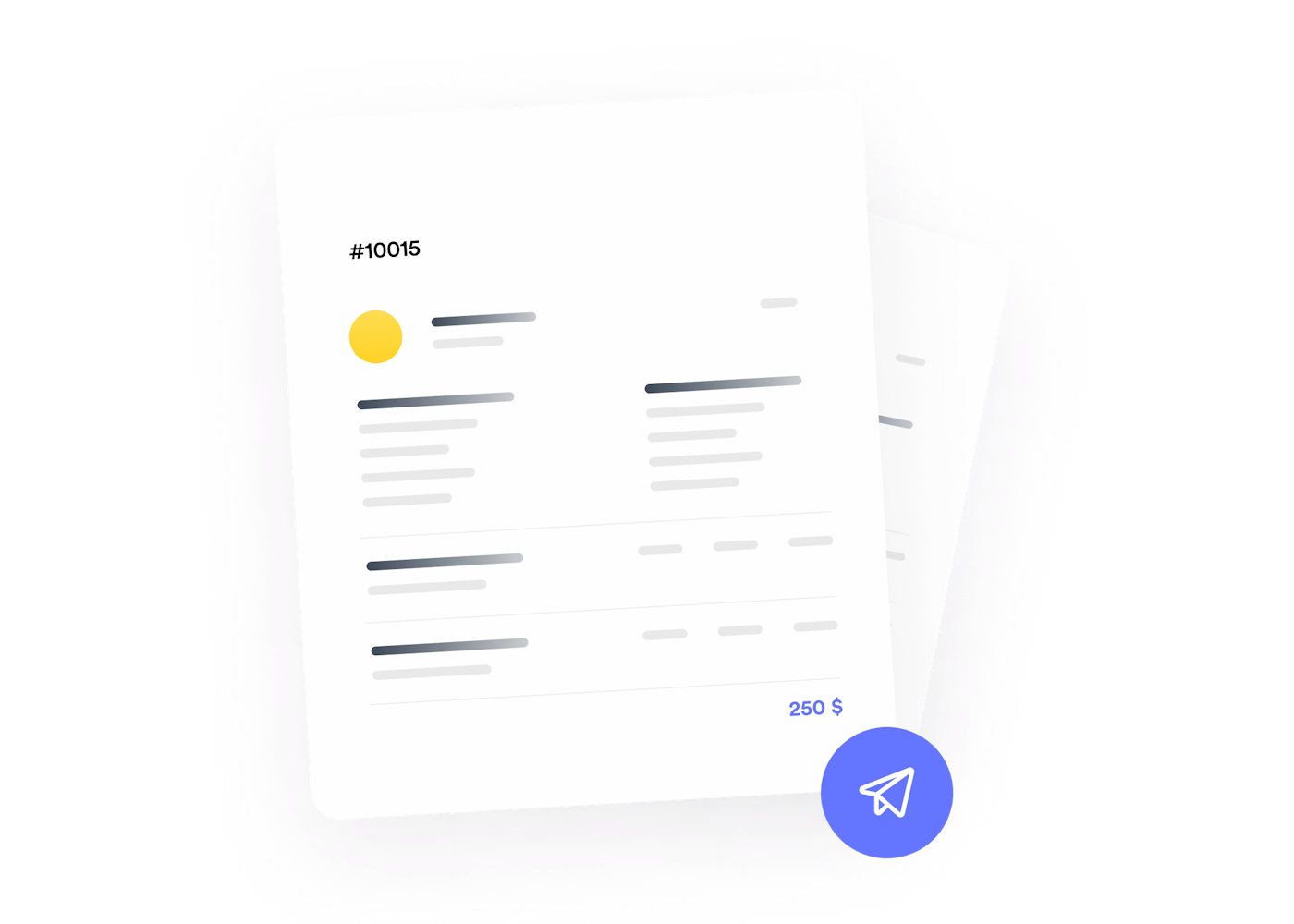
Order confirmation emails are insanely valuable to your business: they get more than 100% opening rates, stimulate customer engagement, and generate repeat business. With Snipcart, once your customer is through with a transaction, he’ll receive a detailed email invoice instantly.

Customize your email invoices
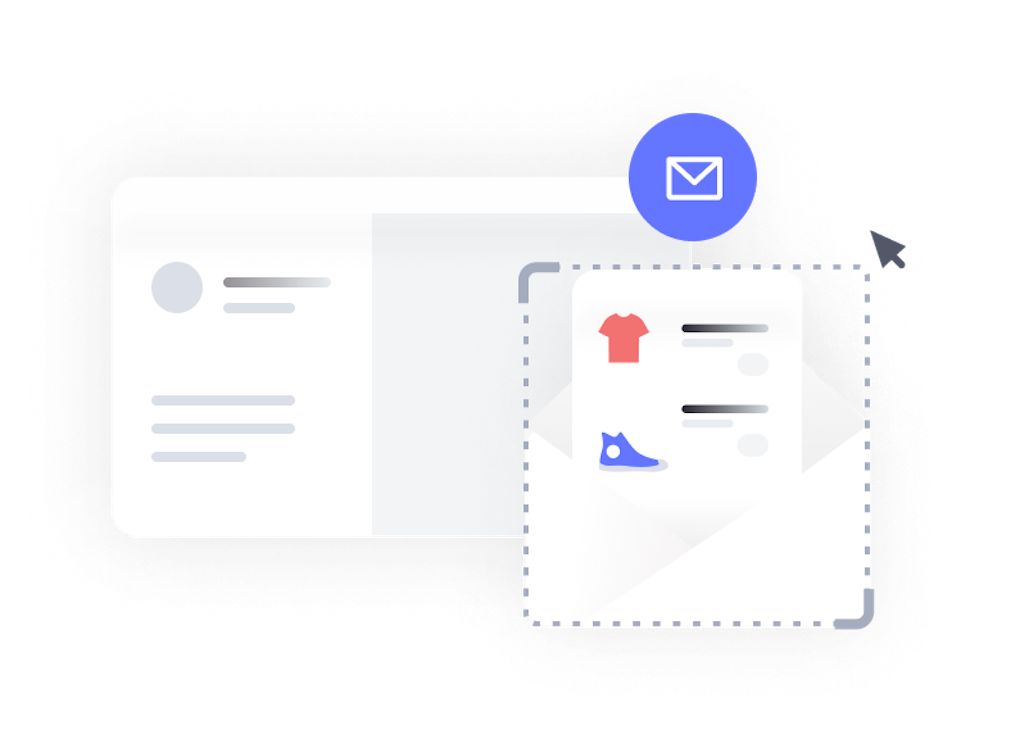
Easily add your logo, sender name, terms and conditions and any extra HTML information to all of your invoices. You can also use our webhooks to send fully custom email invoices to your customers. Your default email invoice template can include:
- Company logo and branding
- Billing & shipping address
- Purchased items & images
- Order sub-total
- Shipping methods & taxes applied
- Promo codes & discounts applied
- Total & payment info
- Custom invoice email message

Immediately collect proofs of payments
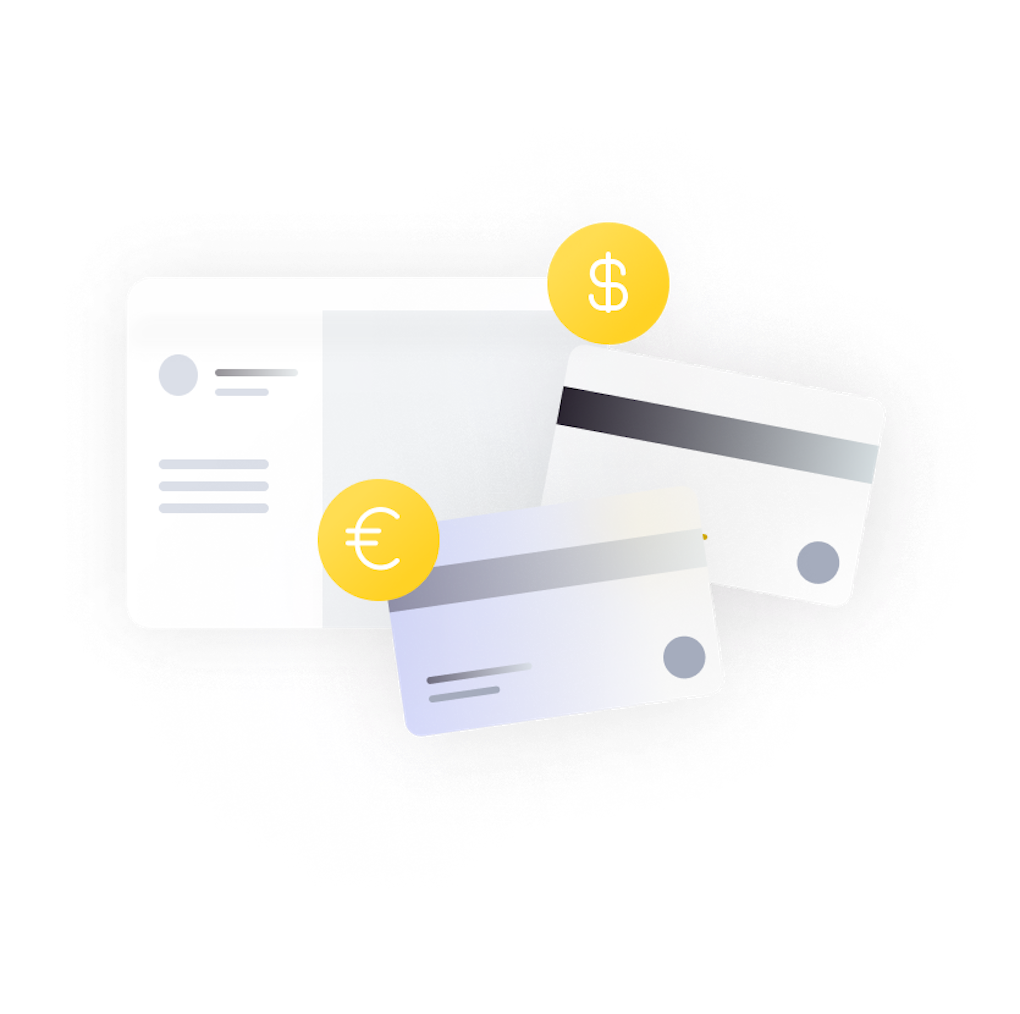
Every single customer transaction on your online store is stored directly in your merchant dashboard. Consult and export them at any time.

Send order tracking numbers
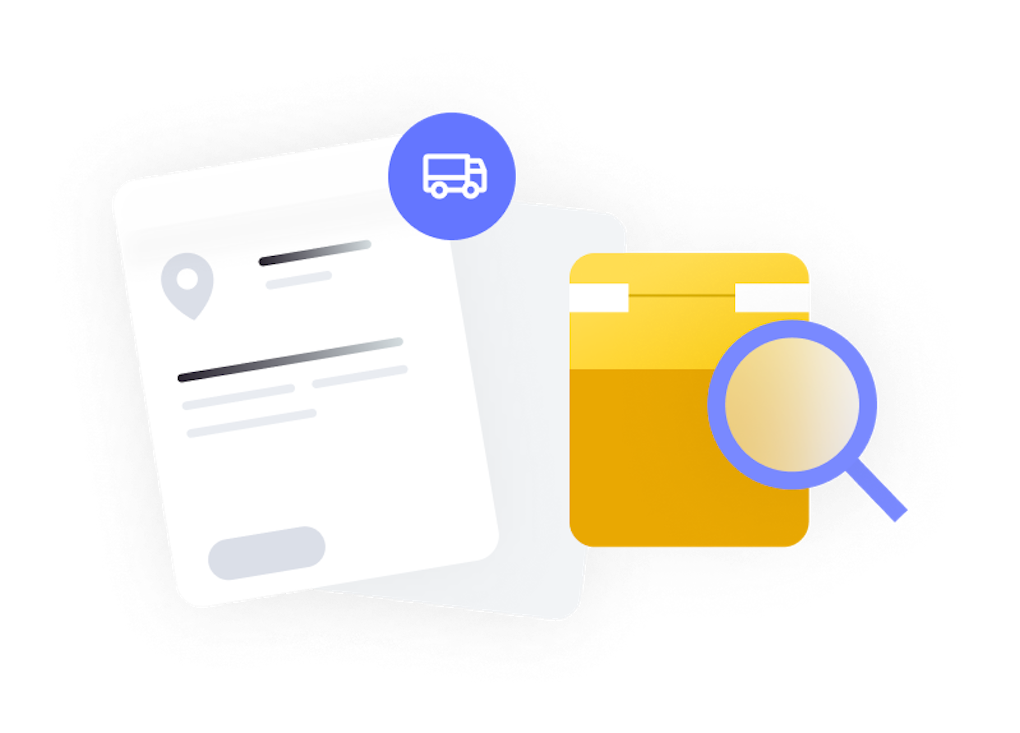
Delight your customers by following up on your email invoices with tracking numbers as soon as their order ships. The orders tab of your merchant dashboard lets you do just that in a few quick clicks. Your customers will enjoy tracking their order themselves from your store to their doorstep!



What makes Snipcart so compelling is how easy it makes ecommerce integration. Being able to drop in a snippet and quickly get up and running with a full shopping cart and checkout flow without having to deal with typical ecomm technical and UX challenges makes it easy for any business on any tech stack to get started.
On top of that, Snipcart comes with a fantastic team who's passionate about helping people get their products online.
Senior Developer Experience Engineer at Cloudinary

Snipcart makes it unbelievably easy to enable commerce anywhere. I can bring my products, drop a buy button and have a fully functioning cart and checkout in minutes. Tax and Shipping integrations with webhooks give me the ultimate flexibility to sell all over the world.
Developer advocate at GraphCMS & GraphQL expert

Snipcart is a great product. - In a very short space of time it has become a key component of our business. The documentation is clear and accurate. It's extremely easy to install, and has loads of features. The support team is very responsive and supportive. I love the way the product is constantly evolving to meet the challenges of creating and maintaining a successful e-commerce solution. - I highly recommend it.
Lead developer at AsoRock Restaurant